That’s Why Google Can’t Find Your Local Business
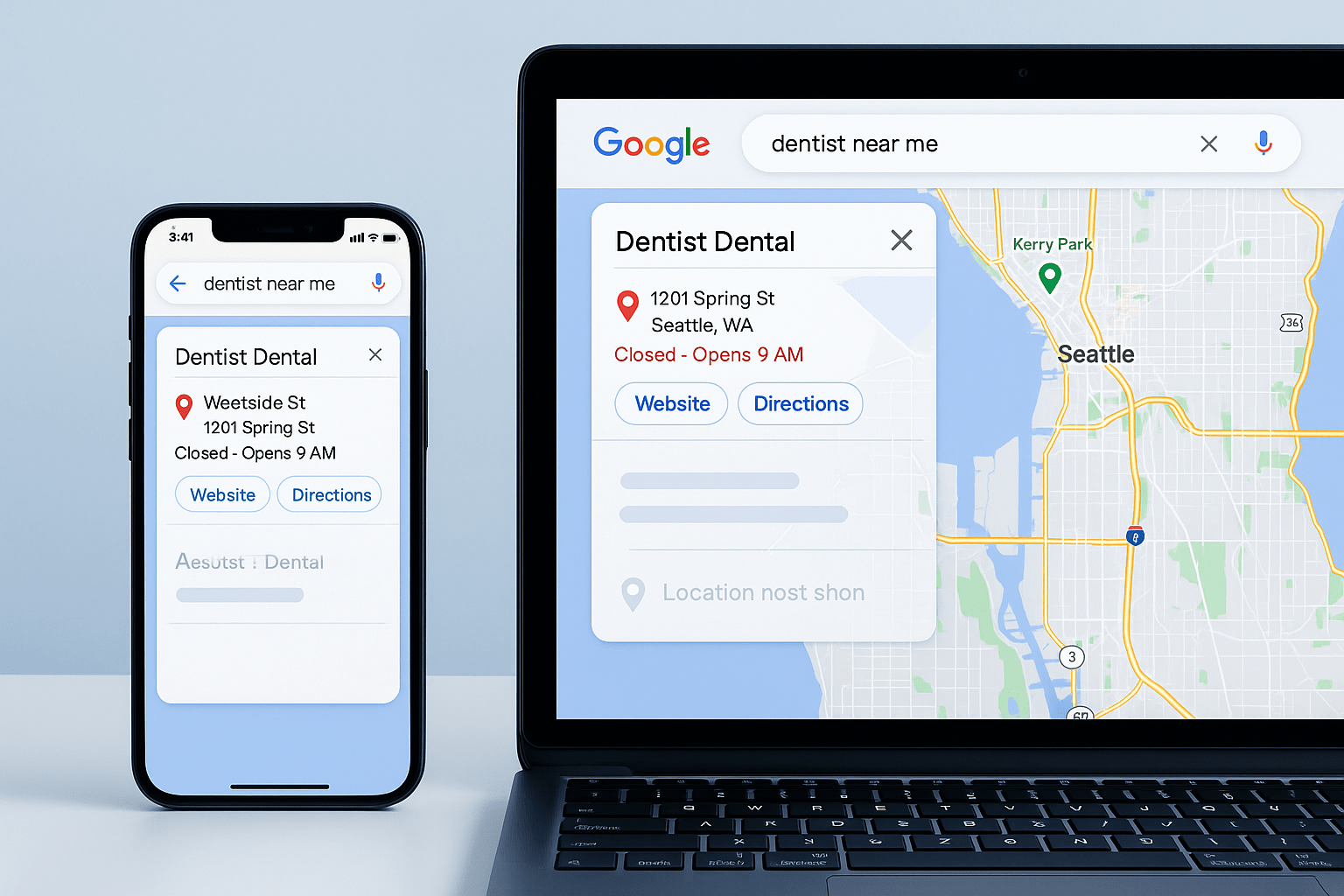
Customer searches “dentist near me.”, but can’t locate your local business
Then your competitor shows up with a clear address, phone number, opening hours, and directions.
You show up with a phone number and your email, but your address is nowhere to be seen.
So what really happens here?
Customers click your competitors, find out they’re close with clearer directions. Now you’ve just lost customers to your competitors because they can be found.
The Problem: Hidden or Vague Location Info
Most local business websites say this:
- “Proudly serving the Greater London area”
- “Located in Manchester city center”
- “Conveniently located near you”
Ok, but where’s the exact address? If customers can’t see it immediately, they’re going elsewhere.
How This Negatively Impacts Local Businesses
Google Can’t Rank You Properly
Google uses you address to determine local search rankings. If there’s no clear address, it weakens you local SEO signal and ranks you lower than competitors.
Customers Can’t Find You
Someone ready to visit needs your exact location and not “near the train station” or “city center.”
If they have to click 3 times to find your address, they won’t even consider you.
Looks Unprofessional
Hidden address signals: “Are they a real business with a physical location? Or are they operating from a hidden warehouse?”
Legitimate businesses display their address proudly without having to hide it.
Mobile Users Give Up Fast
Someone searching on their phone wants to directly tap address, open maps, and get directions.
If your address isn’t immediately visible and clickable, they’re gone.
What Your Website Really Needs
Address in the Header or Footer
People often overlook putting the address right in the header or footer of their site. Every single page needs to display the full street address along with the city and postcode. Make that address clickable so it opens up in maps when someone taps on it. You do not want to hide this information away on some contact page that hardly anyone ever checks out.
Google Maps Embedding
Embedding a Google Map makes a lot of sense too. It shows your exact spot on the map right there on the page. That way, visitors get a crystal clear idea of where you actually are. It builds up trust with potential customers pretty quickly. Plus, it gives a boost to your local SEO efforts in the process.
Structured Data Markup
Adding structured data markup is another smart move for your website. Use schema to help Google pick up on key details like your business name and full address. Include the phone number, business hours, and even the service area you cover. All of this works to get you showing up better in local search results and directly on Google Maps.
Service Area Pages
If your practice serves more than one area, set up dedicated pages for each location. Think along the lines of a page titled “Dentist in Kensington” or one for “Dentist in Chelsea”. Do the same for “Dentist in Westminster” and any others. Fill each of those pages with content tailored to that specific spot, and always include clear address details to keep things straightforward.
What Good Local Websites Do
- Visible Address Everywhere:
- Header: “123 High Street, Manchester M1 1AA”
- Footer: Full address + embedded map
- Contact page: Address, map, directions, parking info
- Clickable Phone Numbers for Calling:
- Mobile users tap once to call.
- Desktop users see the number clearly.
- Business Address Everywhere:
- “Mon-Fri: 9AM-6PM, Sat: 9AM-2PM, Sun: Closed”
No guessing or calls having to ask when you’re open
- “Mon-Fri: 9AM-6PM, Sat: 9AM-2PM, Sun: Closed”
- Directions & Parking Info:
- “Free parking available behind the building”
- “5-minute walk from Oxford Street tube station”
- Removes friction and makes it easier to reach you.
The SEO Impact
Google tends to favour local businesses when they make their details easy to see. That means:
- Showing NAP ( Name, Address, and Phone).
- Embedded maps right there on the pages.
- Local keywords help a lot too, by weaving them into the content naturally.
- Service area information should be straightforward and visible as well.
When location details stay hidden or just too vague, those businesses end up with worse local search rankings.
My Final Say
Local customers need to know exactly where you are.
If they have to hunt for your address, then they’ll be gone to a competitor who displays it clearly.
Show your location proudly on every page and make it easy to find you, because that how your business will really grow around the area
You local SEO and foot traffic will start to improve immediately.
Local business website not showing up in “near me” searches? I’lI optimise your local business site for Google Maps rankings and local SEO visibility.
Leave a Reply